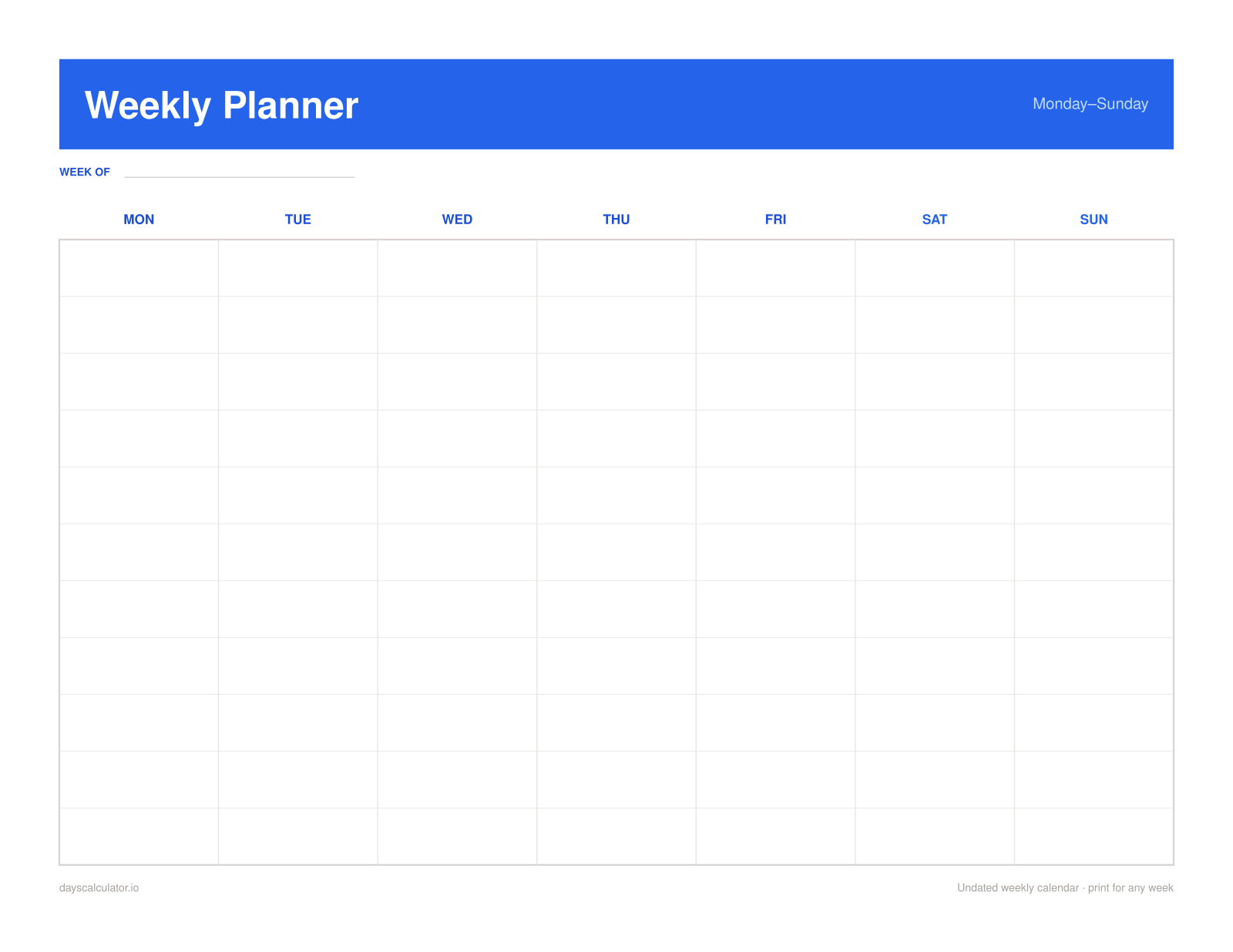
Blank weekly calendar
Seven roomy, lined columns for appointments, tasks, meals, or family plans. Add dates or leave it undated and reuse it every week.
Private browser tool · no signup
Build the week you actually need: a clean seven-day calendar, a custom hourly schedule, or a weekly planner with habit tracking. Watch it update live, then download a print-ready PDF or PNG. Nothing is uploaded.
Generated locally in your browser — no signup, upload, or watermark.
Three useful layouts
Each preview below is a real downloadable layout—not a stock mockup. Switch layouts in the maker above, choose paper and orientation, and the PDF uses the same geometry you preview.
Seven roomy, lined columns for appointments, tasks, meals, or family plans. Add dates or leave it undated and reuse it every week.
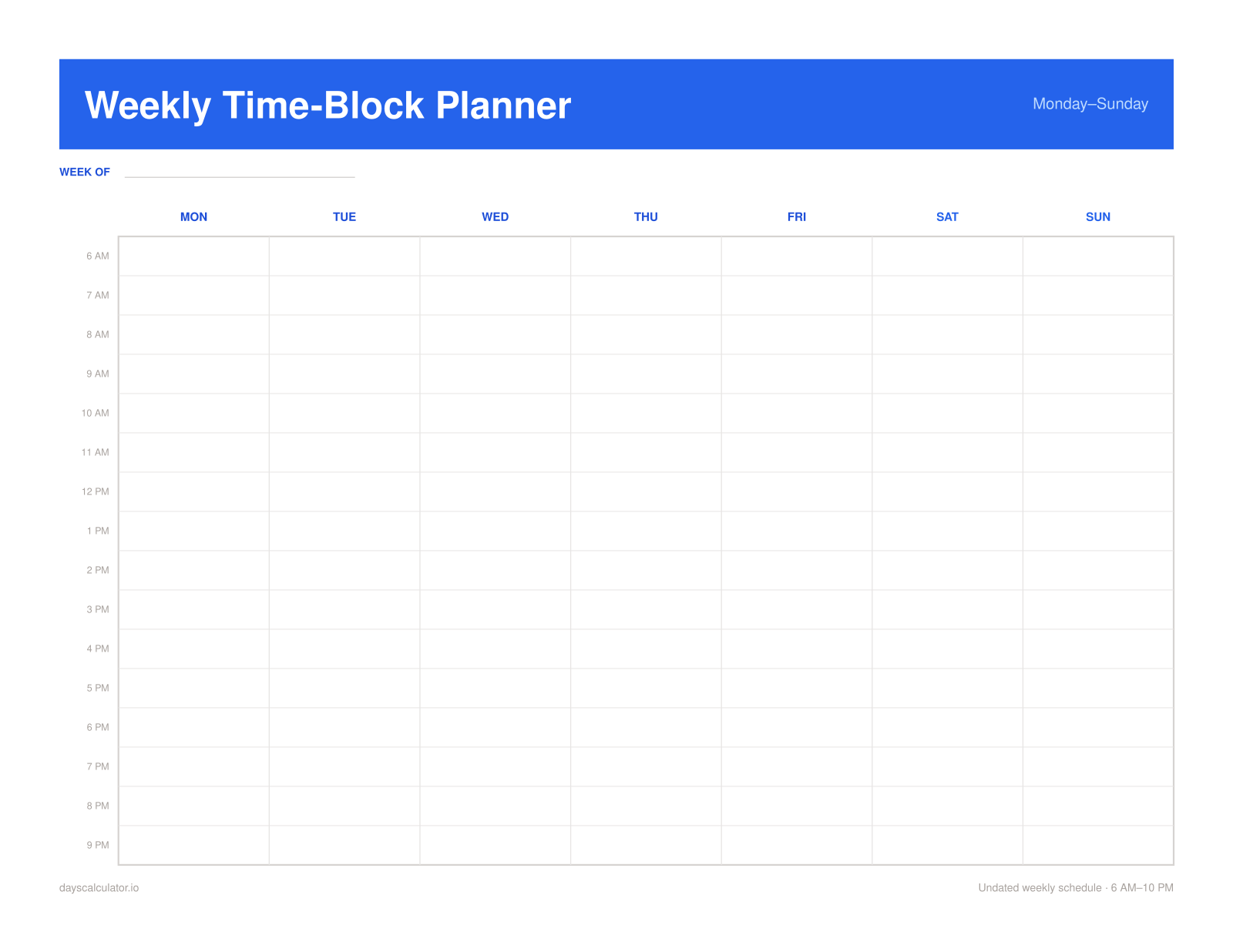
Choose the first and last hour, then print 30- or 60-minute time blocks. Useful for work, school, appointments, and time blocking.
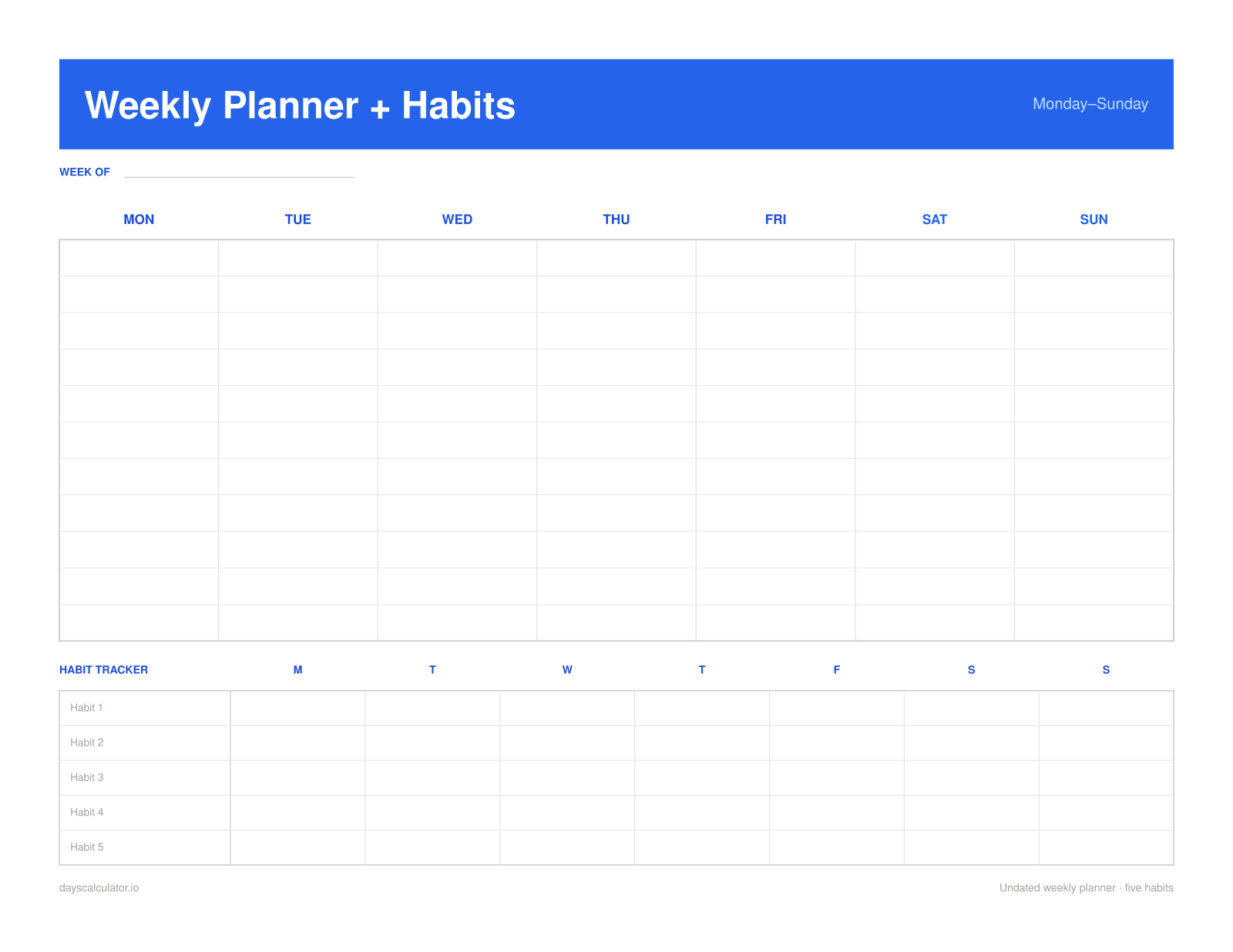
Plan all seven days and track five habits on the same page—without carrying a separate monthly sheet.
Print-first, not design-software-first
No template marketplace to browse, editor account to create, or email gate to pass. Configure the few choices that affect a good printout, preview the result, and download it.
Dates and choices stay in this tab; the finished page is generated on your device.
Letter and A4, portrait and landscape, crisp PDF text, and high-resolution PNG output.
Set your working window and choose 30- or 60-minute rows instead of accepting fixed hours.
Keep it undated for a reusable master, or add the correct dates for any week in one click.
Yes. Pick any date and the planner automatically labels the full week containing that date. Clear the date field to create an undated sheet you can reuse for any week.
Both. Monday start keeps the weekend together at the end; Sunday start matches the conventional US calendar. The day columns and any selected dates reorder immediately.
Yes. Choose the start and end time and use either 30-minute or 60-minute slots. The preview updates before you download.
Download a vector-text PDF or a high-resolution PNG in Letter or A4, portrait or landscape. You can also use the browser print button.
No. The planner is generated locally in your browser. There is no account, email form, watermark, or server upload.